
Browse simple guides for everyday computer topics.
Choose a topic and read clear educational explanations about printers, routers, email, PC performance, device drivers, and Windows update concepts.
Start with the topic you want to understand.
Each category is made for calm reading and topic understanding. Choose a guide area and continue with simple visual explanations.
Select a topic and start reading.
Access our interactive technical diagnostics database. Choose a topic below to inspect symptoms, detailed steps, and verified official citations.
Printer status offline or not printing?
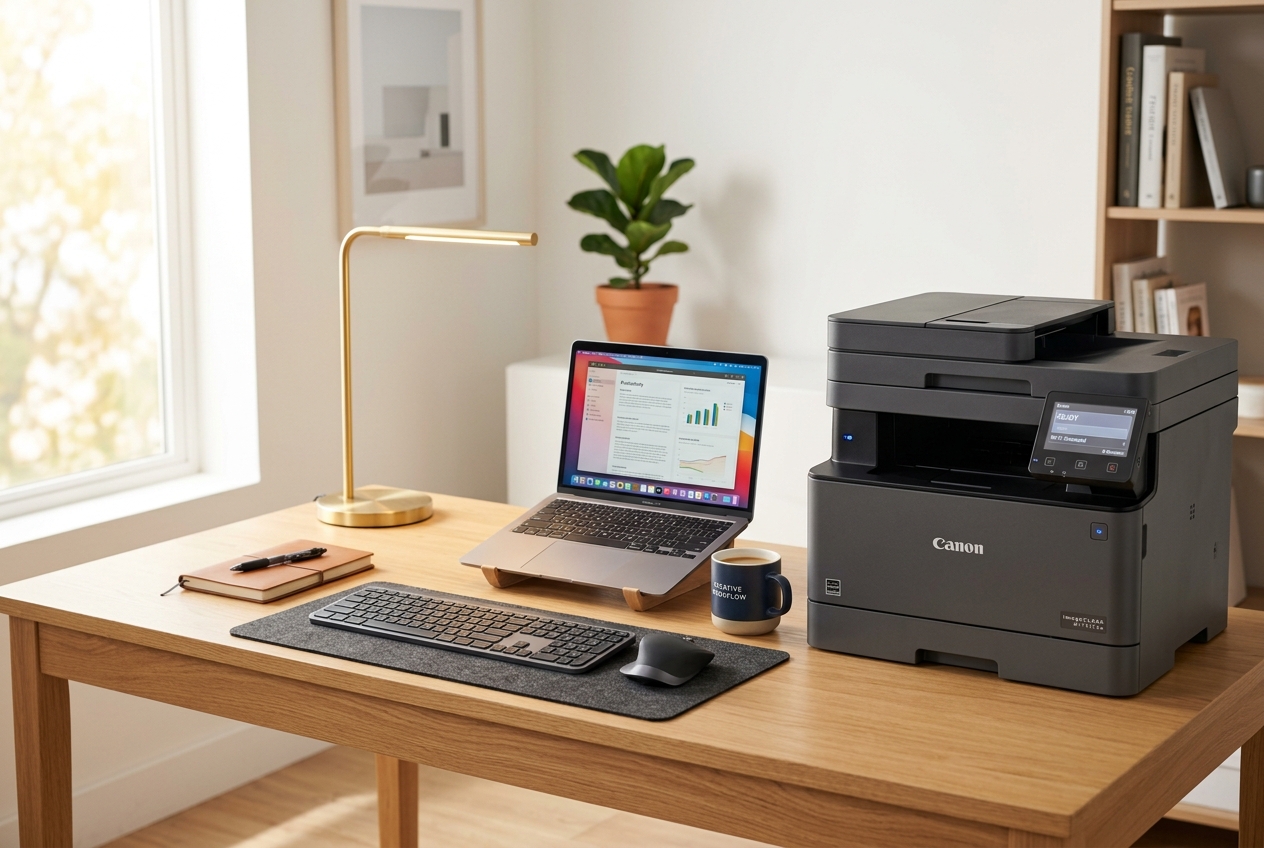
Printers communicate with operating systems using background print spoolers. When spooler caches become corrupted or communication fails via USB or Wi-Fi, the printer registers as offline. Manually resetting spooler services resolves over 90% of offline printer errors.
// SYSTEM TROUBLESHOOTING RUNBOOK:Open Windows Settings > Devices > Printers & Scanners.
Ensure Default Printer is selected & "Use Printer Offline" is unchecked.
Press Win + R, type services.msc, and locate the Print Spooler service.
Right-click Print Spooler and select Stop to suspend queue processing.
Navigate to C:\Windows\System32\spool\PRINTERS and clear all temp files.
Return to services.msc, right-click Print Spooler, and click Start to reset.
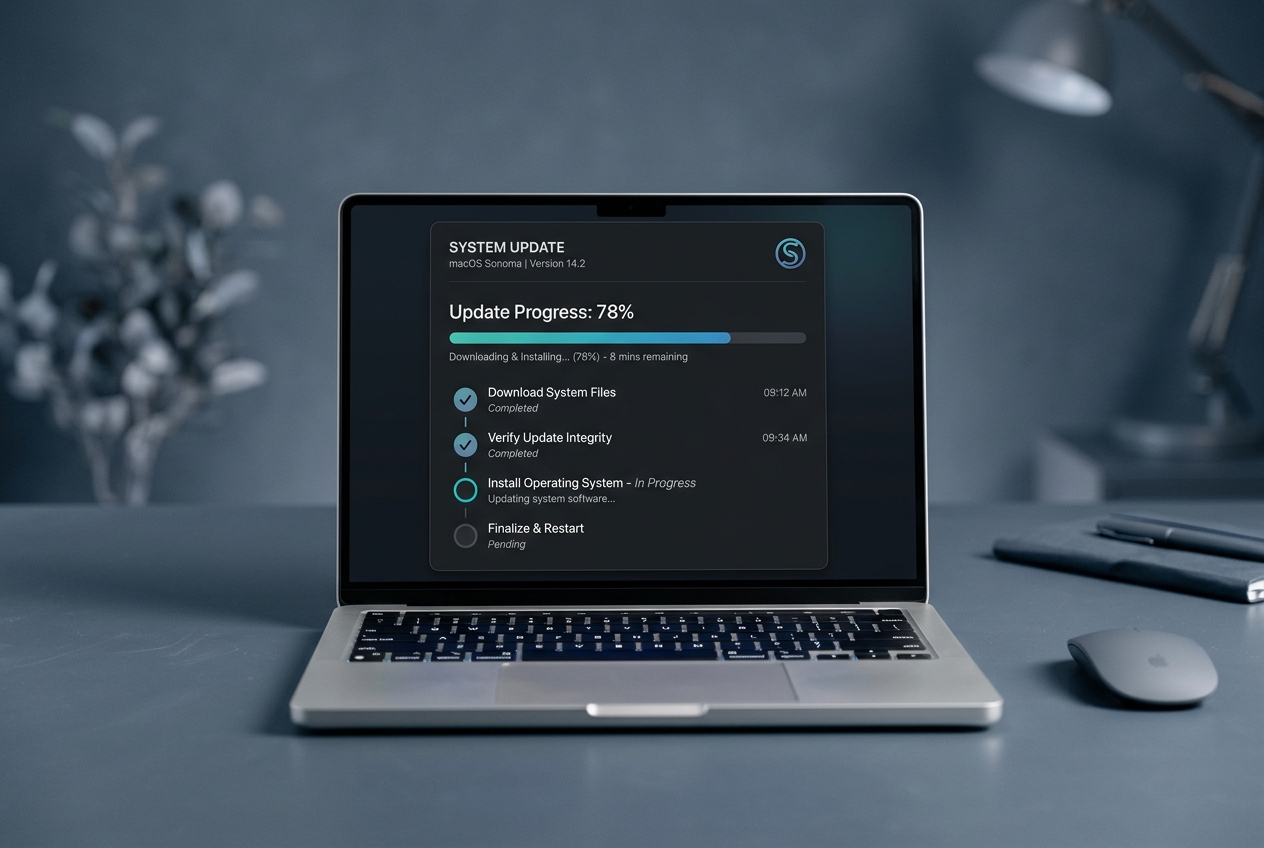

A simple reading path for every topic.
The guides focus on visual understanding and simple explanations so readers can match common screen scenarios with basic concepts.
Identify the topic
Match common messages, icons, or device behavior with a related learning category.
Read the guide
Follow sections that explain settings, queues, updates, or device information.
Understand meaning
Learn what the topic generally means in everyday computer use.
Review sources
Use official documentation for deeper product-specific reading.
Useful references for deeper reading.
These official sources are included for readers who want to verify product-specific information from original documentation.
Built for reading and general understanding only.
This library explains technology topics in a learning format. It does not provide live tech support, phone support, remote access, repair, installation, software sales, or troubleshooting service.
Continue exploring educational technology topics.
Read detailed articles, visual guides, and source-based explanations about hardware, device drivers, updates, and common computer concepts.