
Sourced directly from official manufacturer portals.
We read, test, and simplify official tech resources. All guides are compiled directly from verified manufacturer documentations (including Microsoft, HP, Intel, Canon, and Epson). We do not provide phone support, remote access connections, or software sales—just clean, reliable, and free step-by-step knowledge.
100% Independent
No software sales, no paid support, no remote access.
Official Literature
Sourced strictly from official manufacturer guides.

How your computer talks to your devices.
Whenever you print a document or connect to a Wi-Fi network, your operating system relies on specialized translators called drivers. Here is how that connection functions in real time.
System Request
Your application (like a browser or word processor) sends an action request to the Operating System.
Driver Translation
The specialized driver software translates the OS command into precise machine language instructions.
Hardware Action
The physical device (printer, Wi-Fi card, or screen) receives the code and executes the task instantly.
This guide breaks down complex system communications into visual steps, derived entirely from official hardware standards.
Printer Guides
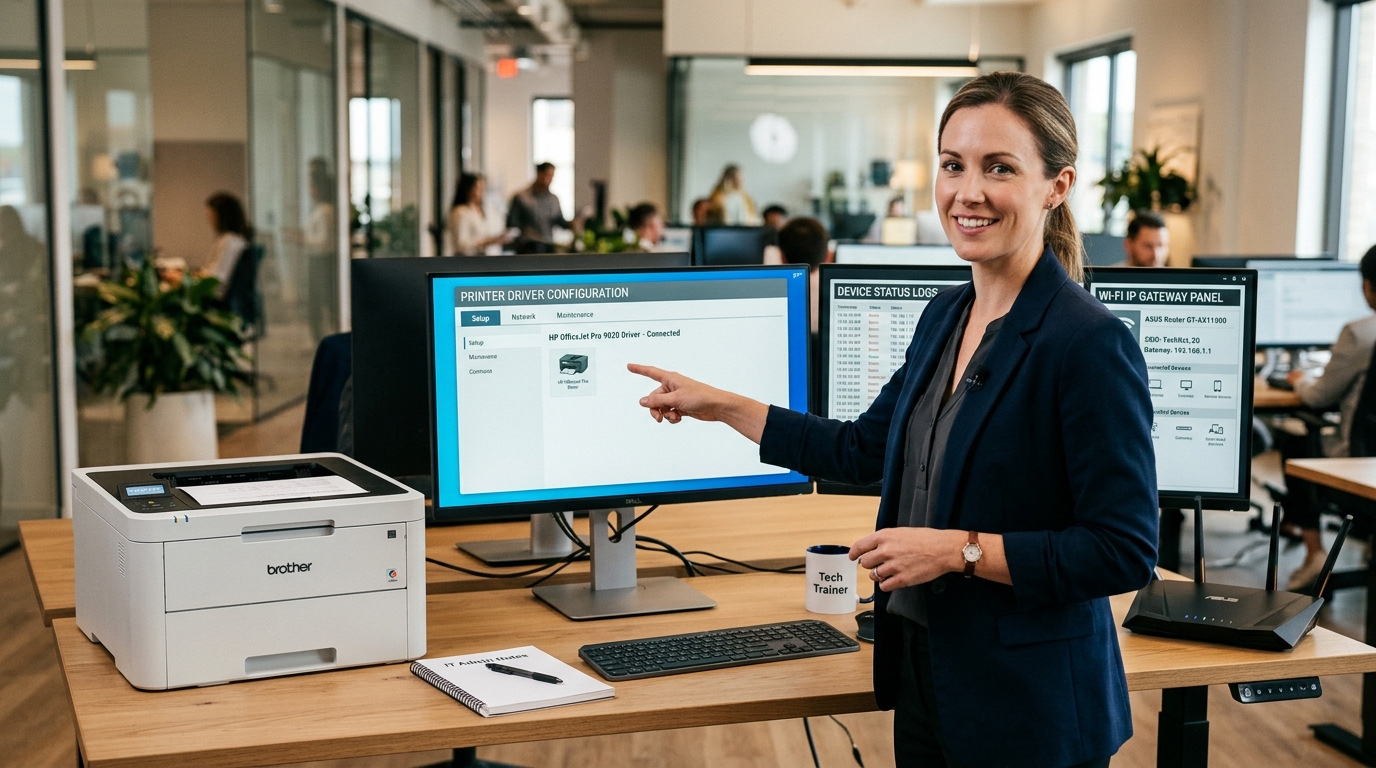
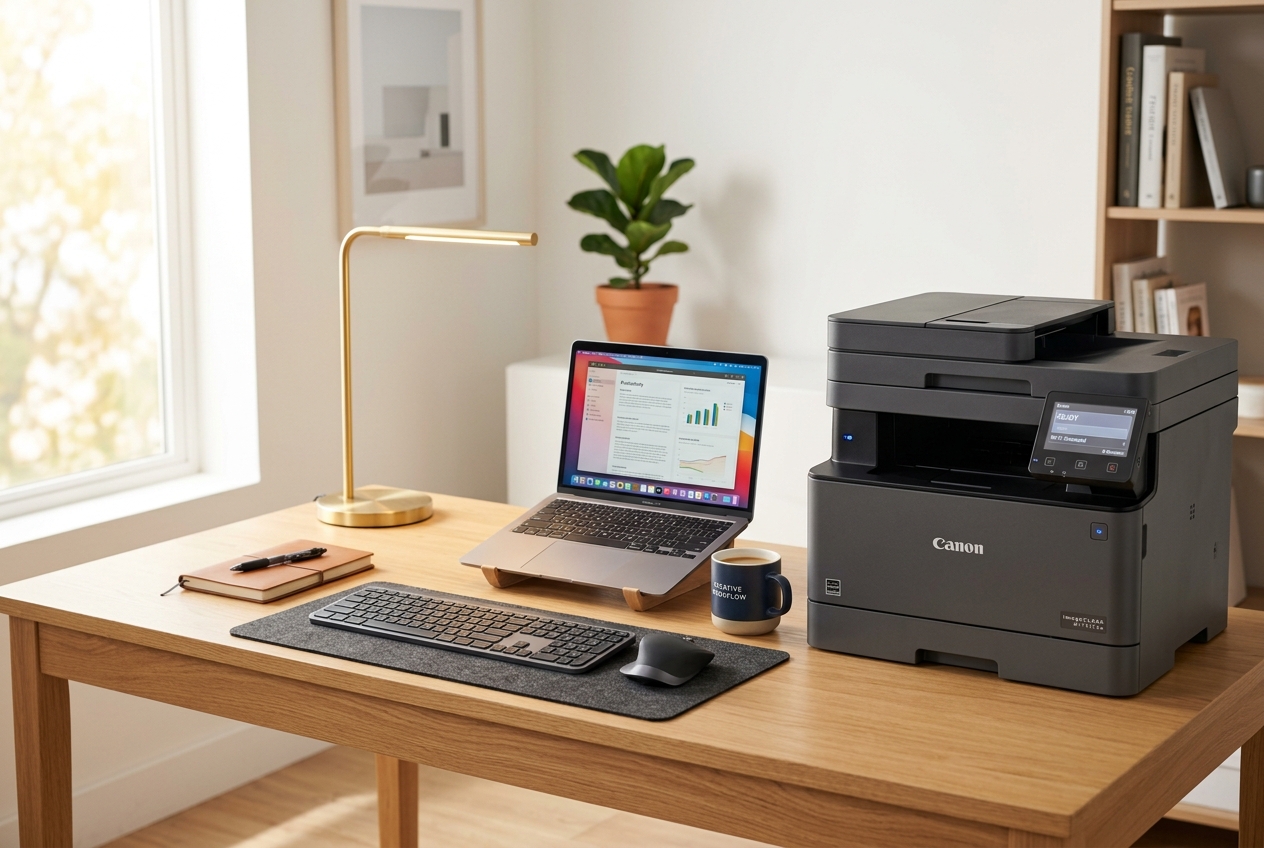
Learn how to connect a printer, clear print queues, and fix status offline. This guide explains how operating systems interface with printer drivers via USB or local Wi-Fi networks.
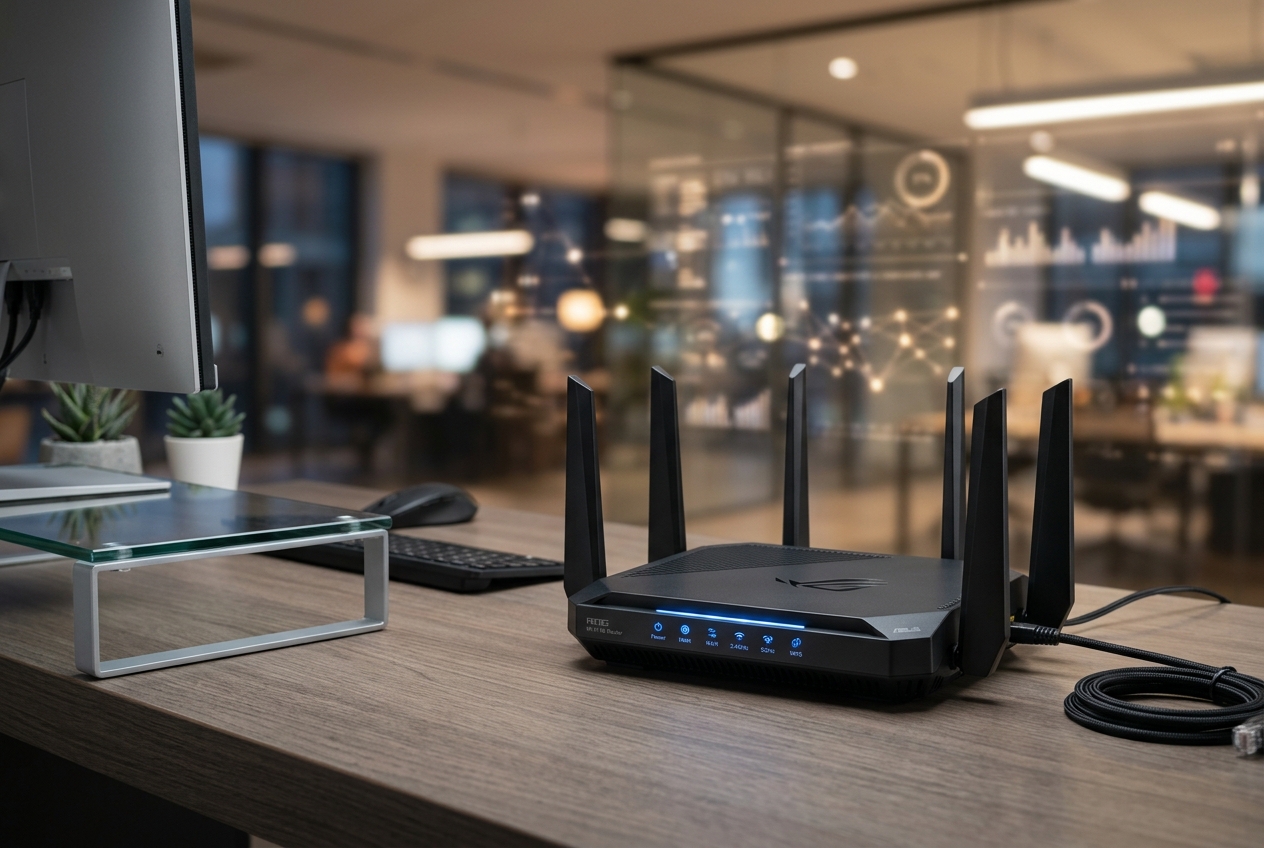
Router & Wi-Fi
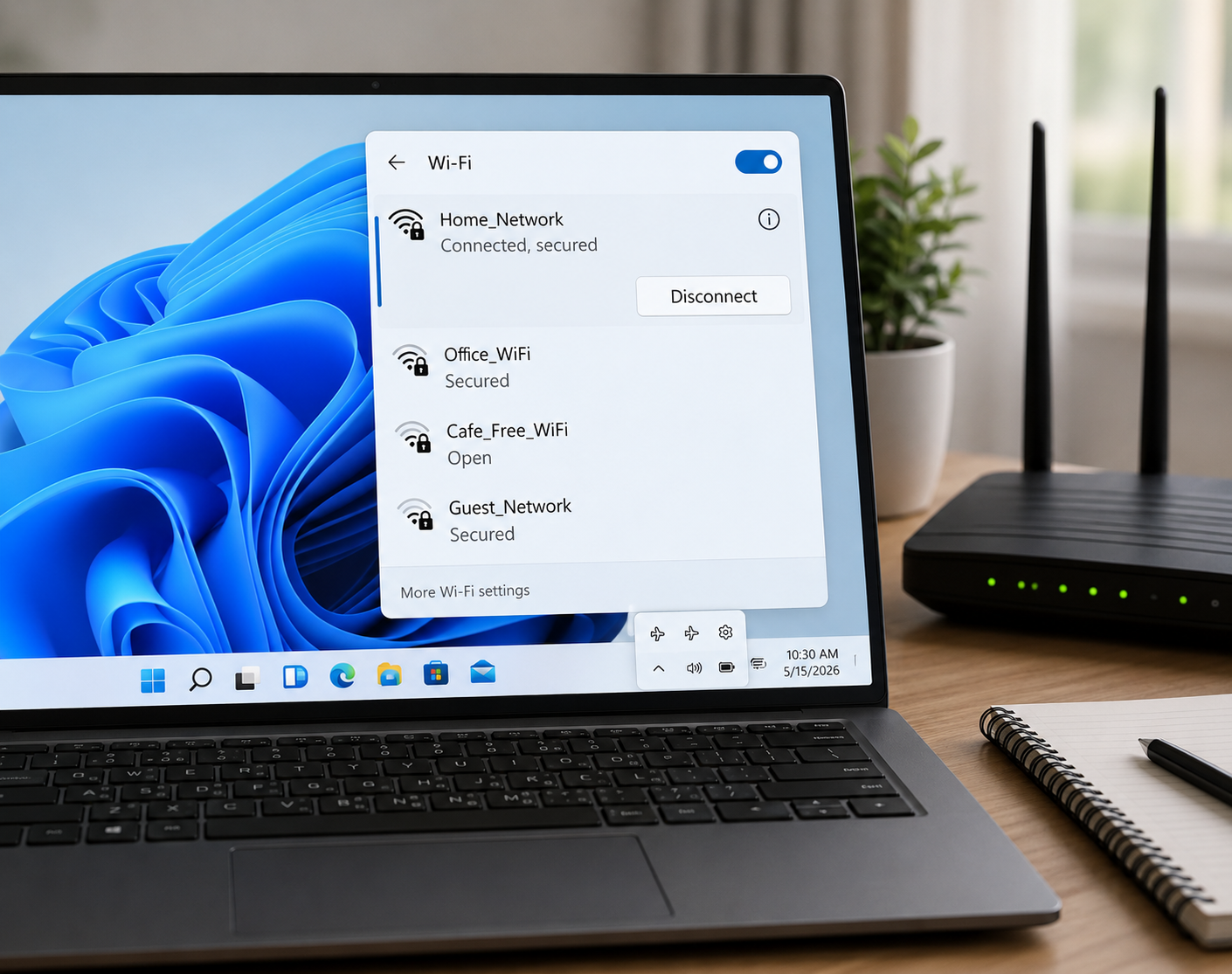
Understand gateway IP address, Wi-Fi password setups, and how to fix common network drops. Sourced from official router documentation.
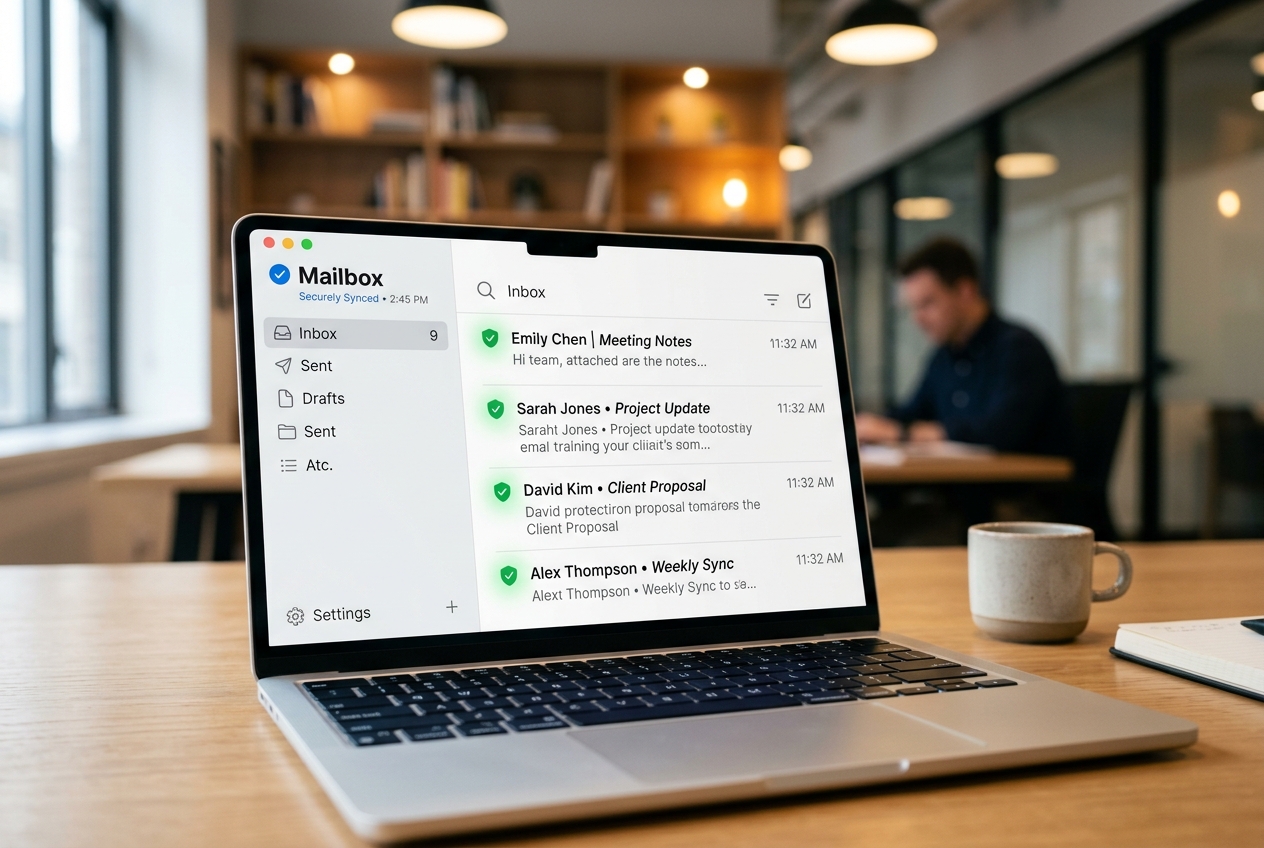
Email Basics
Troubleshoot server ports, outgoing mail errors, and folder syncing. Learn how to configure security protocols for modern email clients.

PC Speed
Make your PC faster by managing background tasks, startup files, and system memory. Clear device hardware bottlenecks.
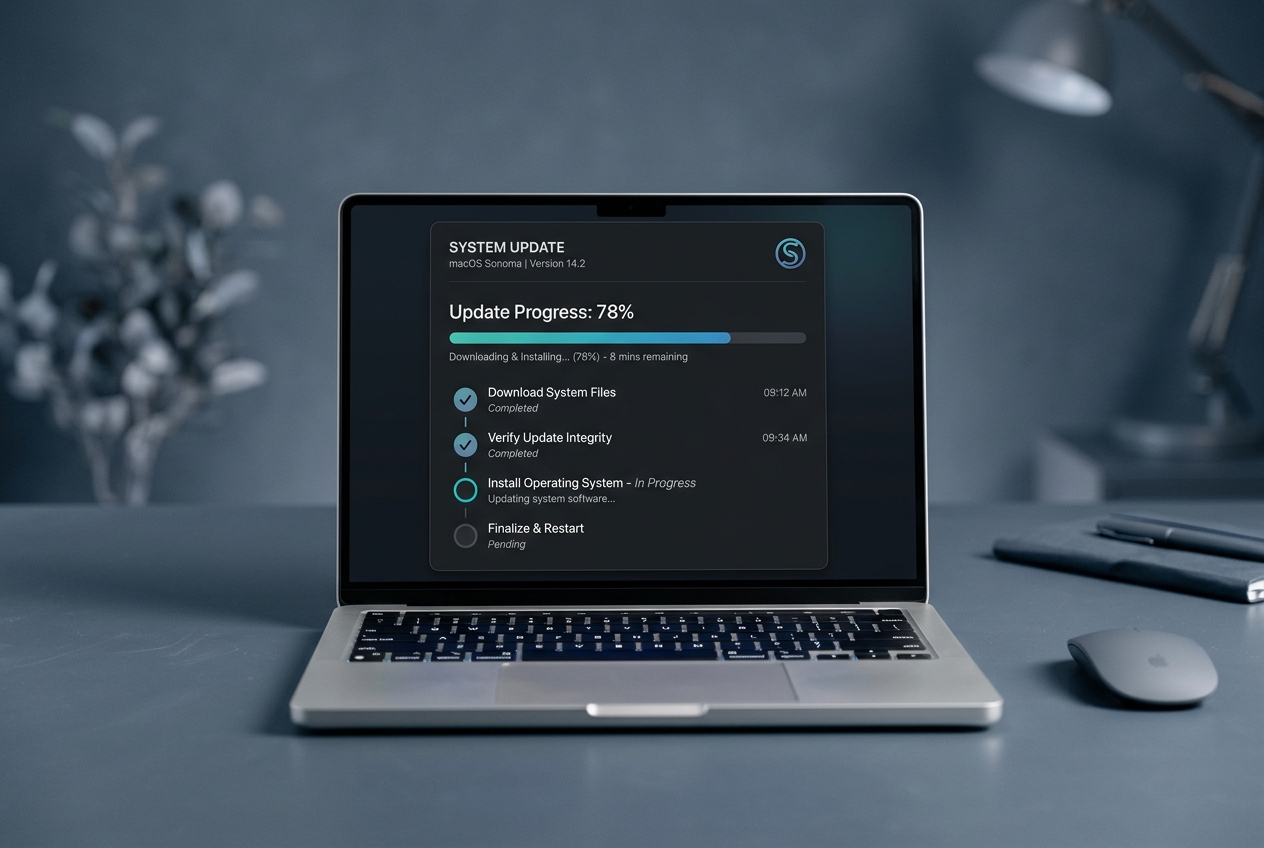
OS Updates
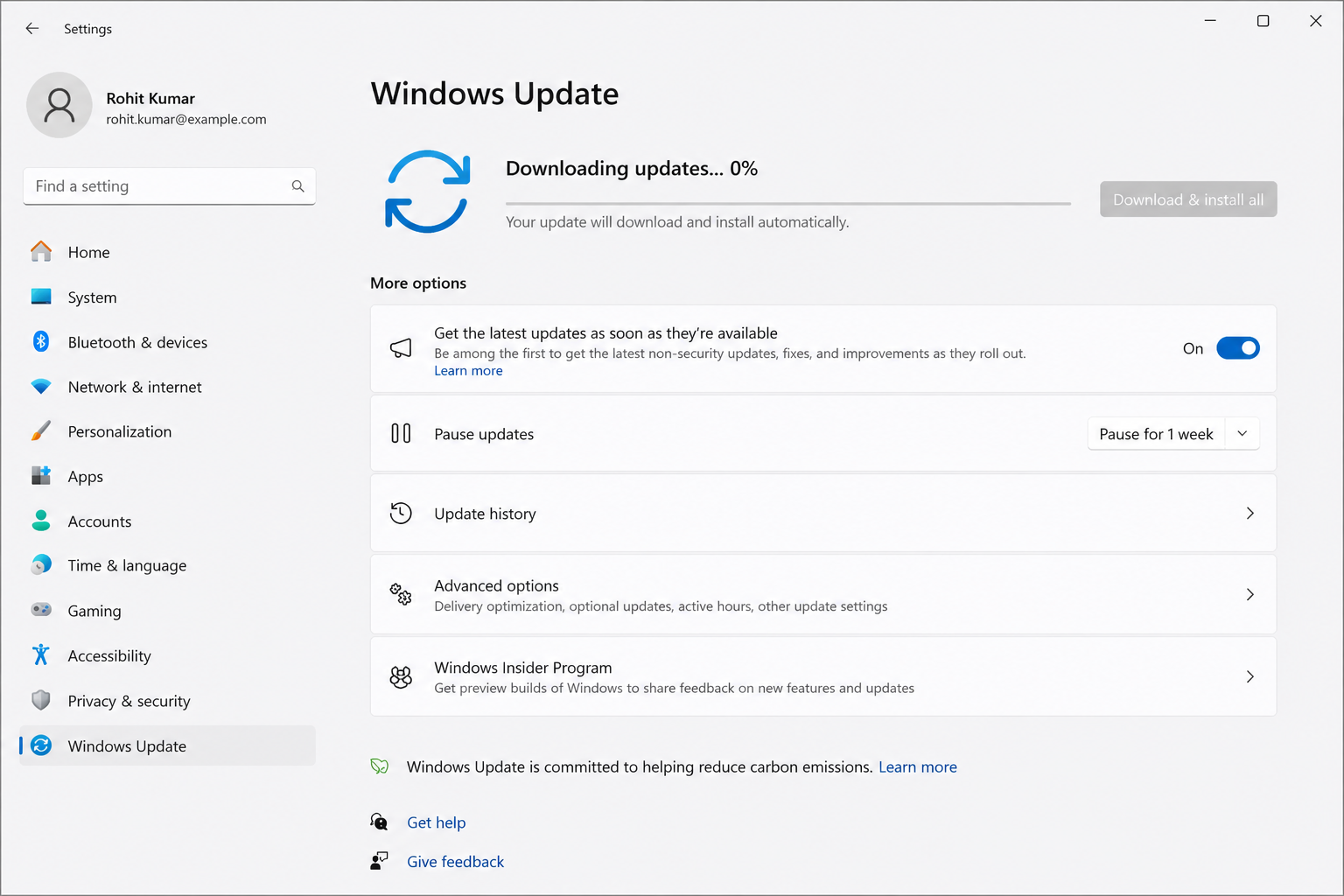
Understand update loops, pending installations, and common error screens. Complete update settings configurations safely.
Step-by-step guides compiled directly from official hardware specs.
Select a topic and start reading.
Access our interactive technical diagnostics database. Choose a topic below to inspect symptoms, detailed steps, and verified official citations.
Printer status offline or not printing?
Printers communicate with operating systems using background print spoolers. When spooler caches become corrupted or communication fails via USB or Wi-Fi, the printer registers as offline. Manually resetting spooler services resolves over 90% of offline printer errors.
// SYSTEM TROUBLESHOOTING RUNBOOK:Open Windows Settings > Devices > Printers & Scanners.
Ensure Default Printer is selected & "Use Printer Offline" is unchecked.
Press Win + R, type services.msc, and locate the Print Spooler service.
Right-click Print Spooler and select Stop to suspend queue processing.
Navigate to C:\Windows\System32\spool\PRINTERS and clear all temp files.
Return to services.msc, right-click Print Spooler, and click Start to reset.
A simple place to learn device basics.
Our reference directory shares clean, easy-to-read guides about printers, routers, Wi-Fi connectivity, computer performance, and system updates. We explain hardware behaviors simply, without technical pressure.
We read through thousands of pages of official manufacturer guides so that you do not have to deal with tech support phone queues or paid diagnostic tools. Just direct, simplified steps for your self-learning.

What We Cover vs. What We Exclude
We are an independent repository. We do not provide phone support, software sales, or remote assistance.
Concept-First Explanations
We clarify what a device does first, helping you understand the "why" before any setup steps.
Jargon-Free Vocabulary
No confusing technical scripts. We speak in natural, everyday vocabulary to keep learning stress-free.
Direct Official Sources Only
We reference Microsoft, Google, or official portals directly, ensuring absolute accuracy.
Reference Quality: Every concept card is cross-checked against live technical specifications to verify compatibility and terms.
Clear answers before you read.
We link directly to official OEM guides so that you can verify any details on Microsoft Support or Google Help Centers yourself.
No. This website is an educational reference database. It shares runbooks and self-guided diagnostics only. We do not offer phone support, remote access connections, software downloads, or technician dispatching.
You can read beginner-friendly guides about printer basics, router and Wi-Fi concepts, email access configurations, PC speed optimization, and Windows updates.
Yes. Printer articles cover fundamental concepts such as default printer status offline, print job queues, network spoolers, and interface cabling.
Yes. Windows Update articles outline concepts like pending updates, installation loops, restart settings, and update registry configurations.
No. This website is for self-directed reading and educational awareness only. We do not provide software tools, paid troubleshooting services, or technician support.
Yes. Every guide is written in plain, jargon-free English and features structured checkmark bullet lists alongside verified OEM primary reference citations.
How Printer Offline Status Is Usually Understood
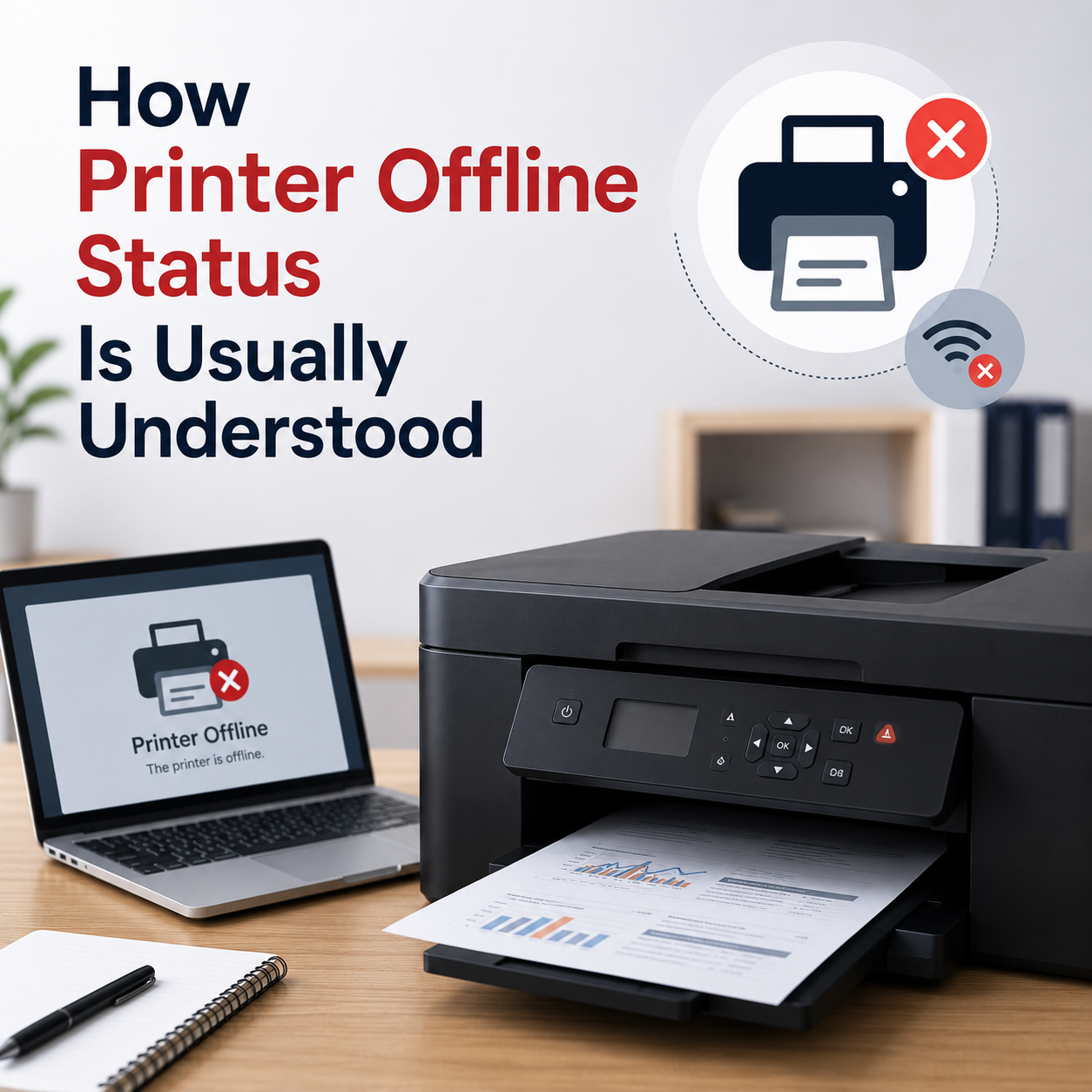
Learn what offline status may mean, how printer queues work, and why connection or default printer settings matter.
- 1. Do not download files from unverified third-party pages.
- 2. Avoid automatic programs claiming system errors.
- 3. Never share your desktop screen with unverified online help.
- 4. Always check physical cables and Wi-Fi channels first.
Basic Router and Wi-Fi Connection Concepts
Understand network names, Wi-Fi signals, router lights, connection status, and common limited connectivity messages.
Open ReferenceWhy Email Sync Issues Can Happen
Read how inbox folders, account access, sync settings, spam folders, and mail app behavior are commonly understood.
Open ReferenceCommon Reasons a Computer May Feel Slow
Learn common concepts behind startup items, storage space, background activity, updates, and device driver behavior.
Open ReferenceWhat Windows Update Error Messages May Mean
Understand update status, pending messages, restart prompts, update history, and common update-related terms.
Open ReferenceQuick Diagnostic Index
Explore simple, visual reference checklists based on verified manufacturer guidelines.
Printer Spooler
If offline, restart Spooler in services.msc.
Wi-Fi Flush
Flush connection cache using ipconfig /flushdns.
Mail Servers
Verify IMAP Port 993 SSL / SMTP Port 465 SSL/TLS.
Update Loop
Reset loop using command net stop wuauserv.
All guides are compiled for learning and self-troubleshooting awareness. No phone support or software downloads are offered here.